02 · 接入模型
海外服务
OpenAI、Claude、Gemini、OpenRouter

Y-Claw 也支持海外官方接口。需要电脑能访问这些网站,通常还要海外支付方式。
聊天做图 · 看服务商配音 · 看服务商做视频 · 看服务商
官网直达
第 1 步:注册并拿到 API 密钥
- 打开对应服务商的开发者后台,注册登录。
- 绑定付款方式或充值。
- 在 API Keys 页面创建密钥并复制。
第 2 步:在 Y-Claw 里接入
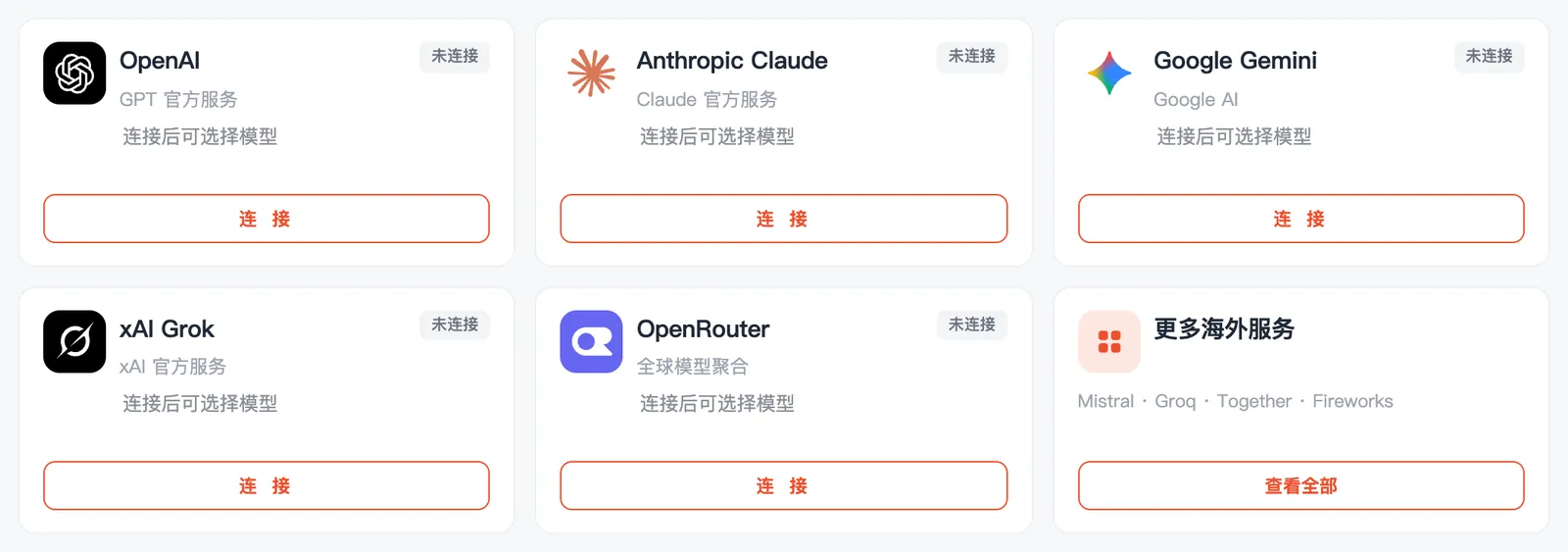
- Y-Claw 里点「模型与算力」→「海外服务」→ 对应服务商的「连接」。
- 粘贴密钥,点「保存并使用」。
- OpenAI
https://api.openai.com/v1- Claude
https://api.anthropic.com- Gemini
https://generativelanguage.googleapis.com/v1beta/openai- OpenRouter
https://openrouter.ai/api/v1
要注意的地方
- 以上地址 Y-Claw 都已自动填好,列出来方便核对。
- 电脑访问不了这些网站时会提示「连不上这个地址」。